Local SQLite files
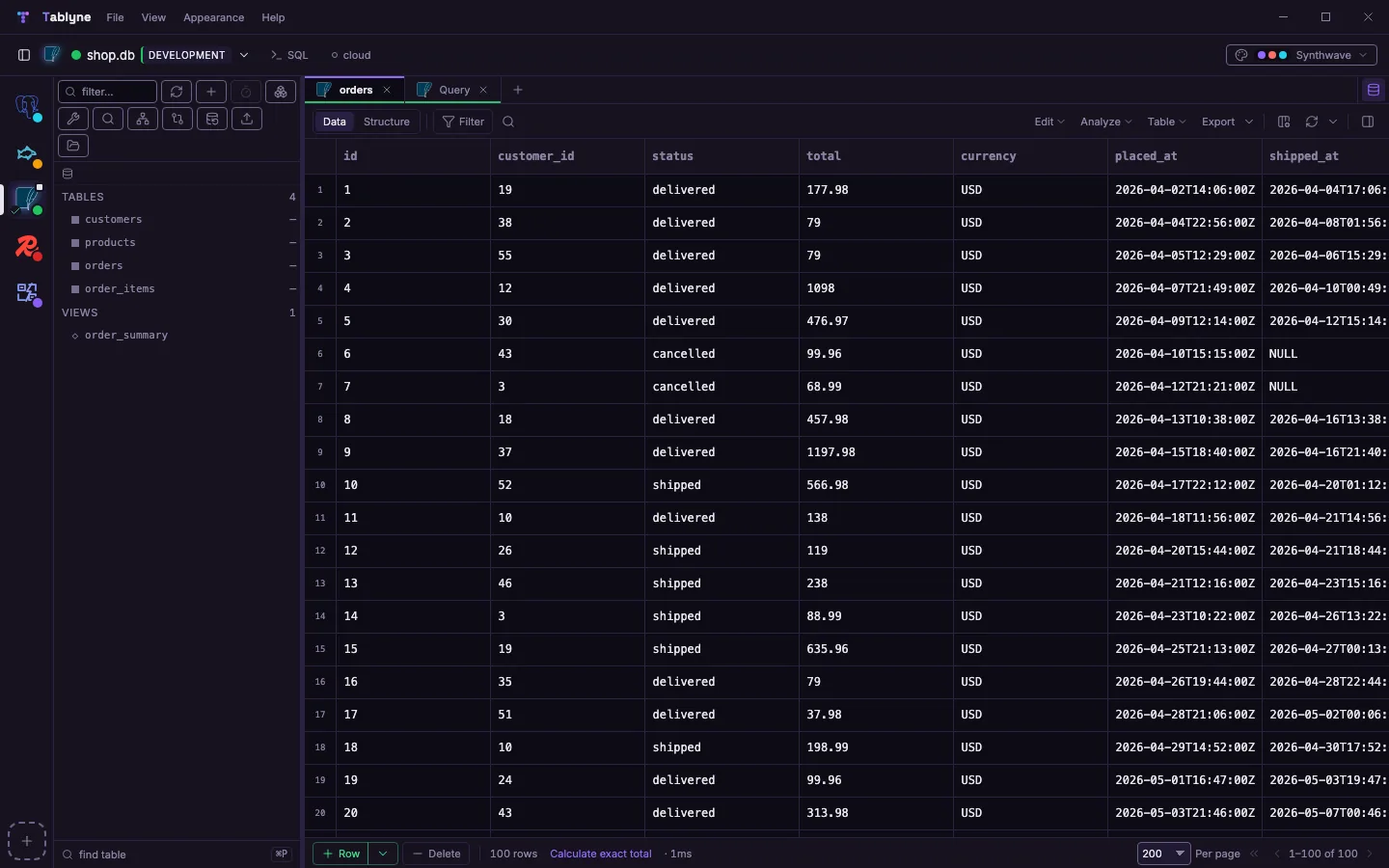
Open a local .db file from Finder, Explorer or your file manager.
Remote SQLite keeps coming up in other tools' requests: 45 and 69 votes on separate threads. Tablyne opens a local .db file, or a remote one over SSH or on Turso. Every grid edit is staged for review and checked against the row before it's written, and the query plan reads as a tree.
Requested for 3 years in other tools · 45 votes
Edit any row, then press Review and Apply. Someone already changed that row.
Open this page on a computer to try it.
Open a local .db file from Finder, Explorer or your file manager.
Open a remote .db over SSH; sqlite3 runs on the server and nothing is copied.
Open a Turso/libSQL database with the same staged review flow.
Read the query plan as a tree before changing a row.
Stage edits and check the row token before writing.
Builds for Apple Silicon and Intel. Open .db files from Finder.
Installer (.exe). Open .db files from Explorer.
AppImage. Open .db files from your file manager.
| Feature | Tablyne | DB Browser for SQLite |
|---|---|---|
| Platforms | macOS, Windows, Linux | Windows, macOS, Linux source |
| Price | 14-day free trial, then $99 once | Free (open source) source |
| Other databases in the same app | Postgres, MySQL, Redis, DynamoDB and more | No, SQLite only source |
| Edits reviewed before writing | Yes, with a row-token check | No; held in a savepoint until Write Changes source |
Free for 14 days: the trial has every feature, SQLite included, with no card. Then Pro is a one-time purchase of $99, commercial use included.
Yes, from one codebase: macOS (Apple Silicon and Intel), Windows and Linux.
If the row changed since you loaded it, Tablyne refuses the write and tells you. Nothing is overwritten.
Yes. Tablyne opens a remote .db over SSH without copying it locally.